
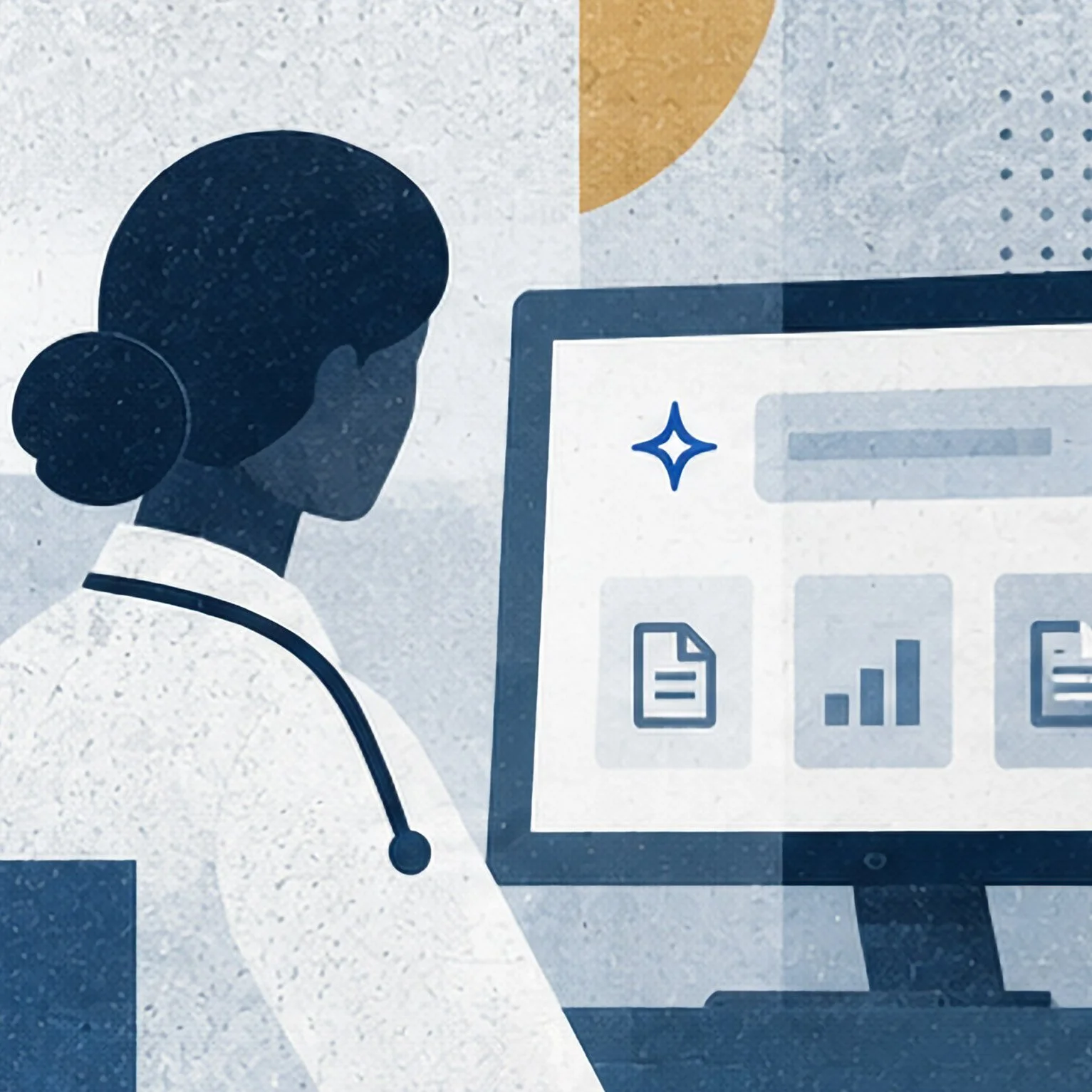
Learn how to use PaiGE to quickly review patient information and prepare for an upcoming telehealth visit.
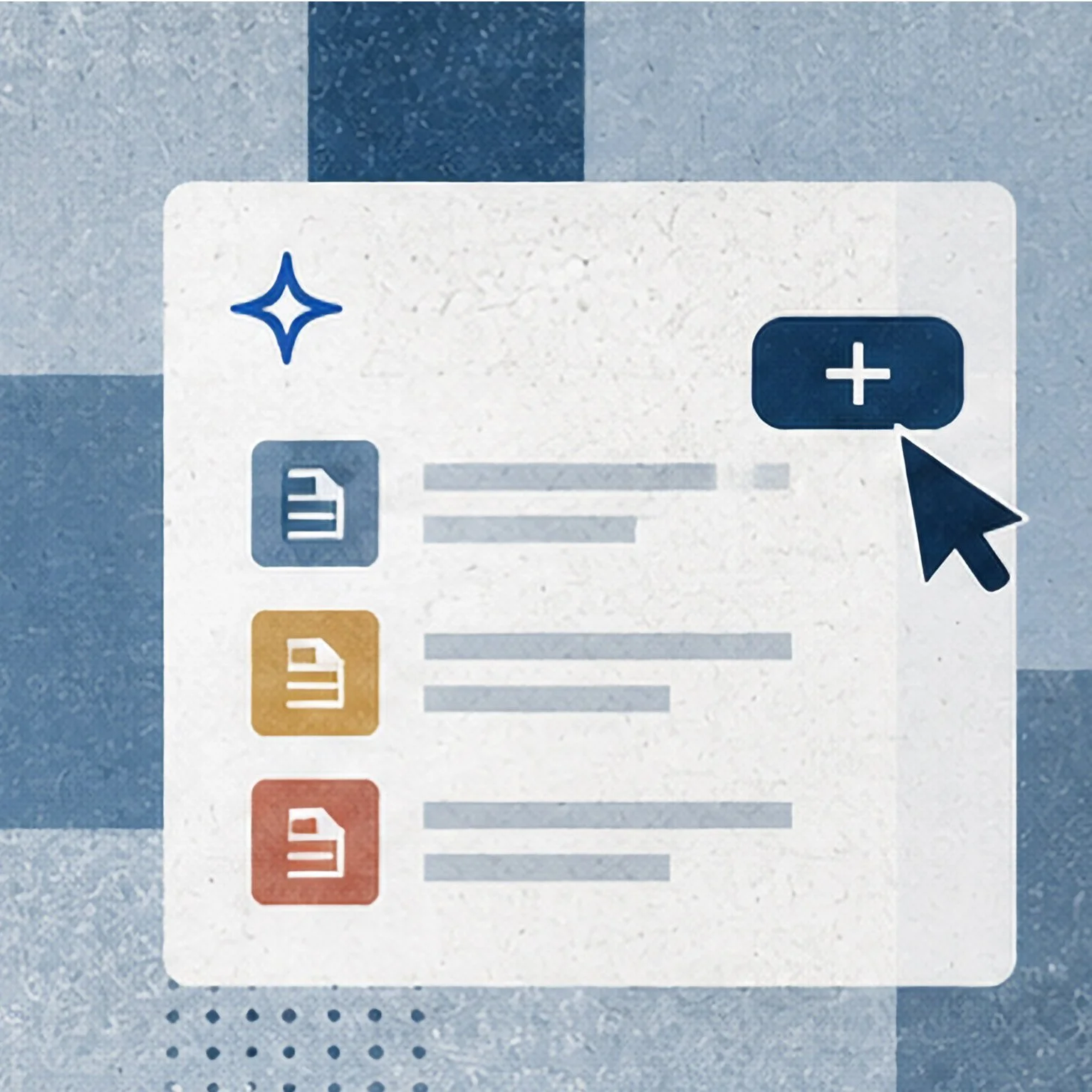
See how to create and save reusable prompts in PaiGE Studio to streamline common clinical workflows.
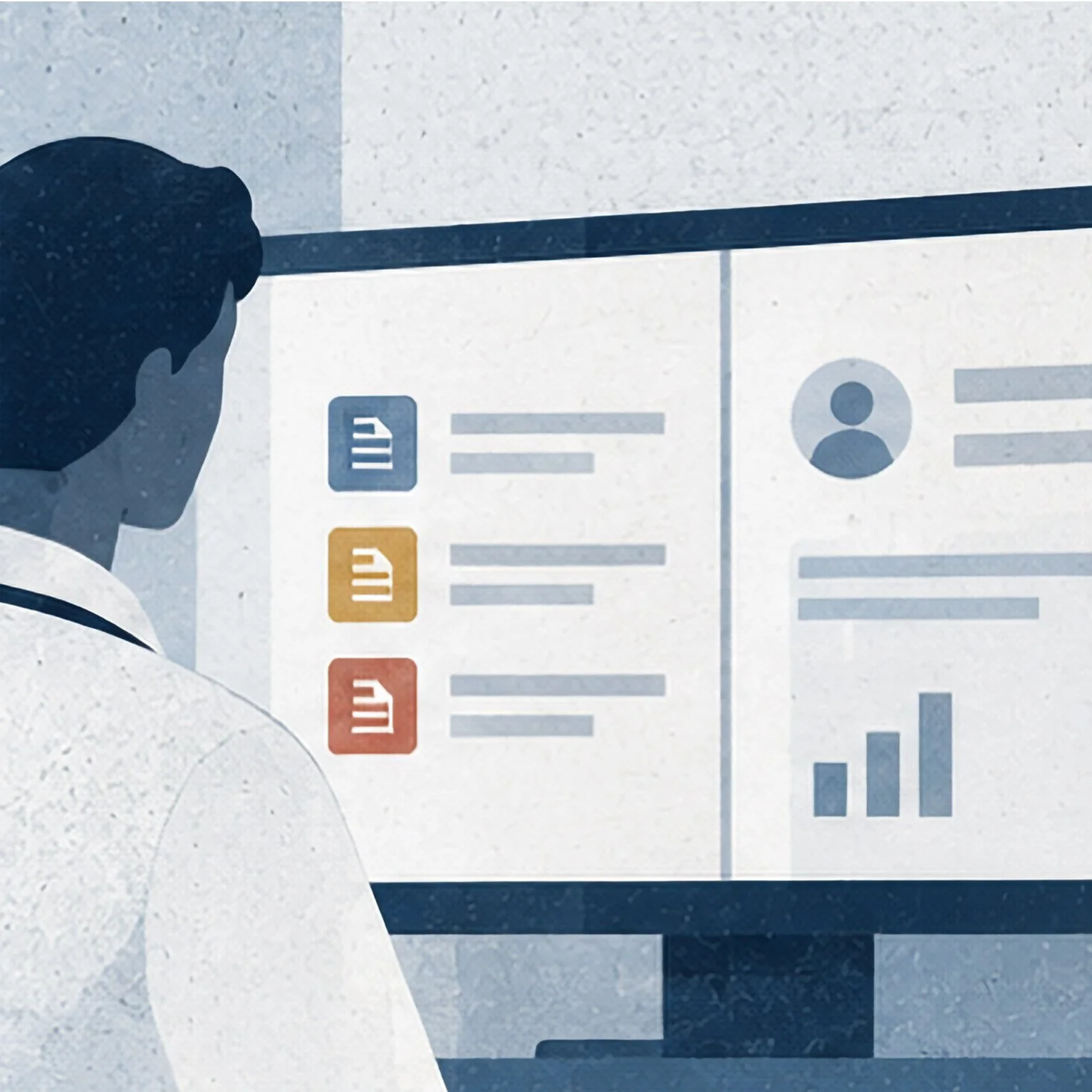
Learn how saved prompts can quickly surface relevant patient information and insights before a visit.
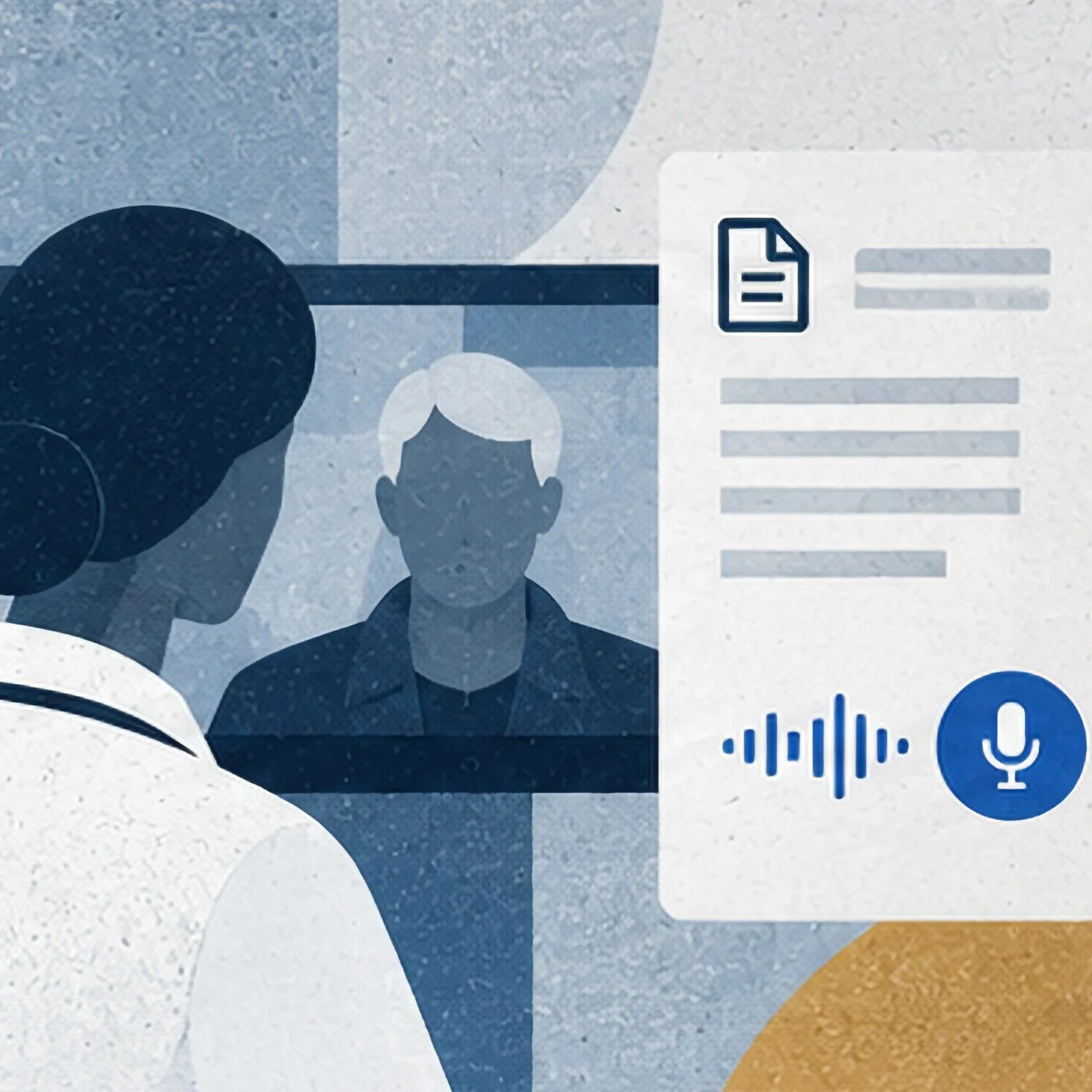
See how ChartNote’s AI Scribe captures and organizes clinical documentation during a patient visit.
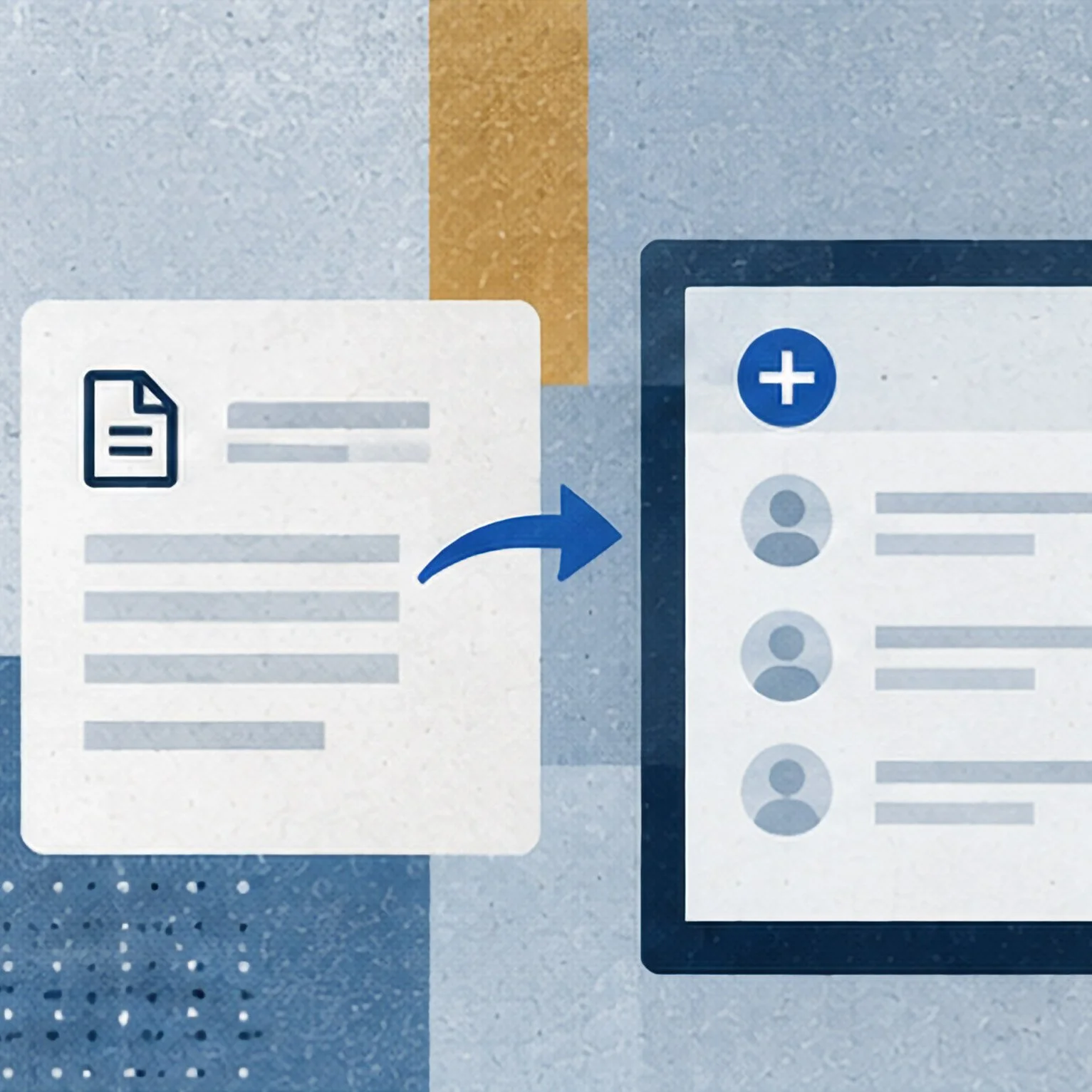
Learn how to move completed ChartNote documentation into your EHR for a more efficient documentation workflow.
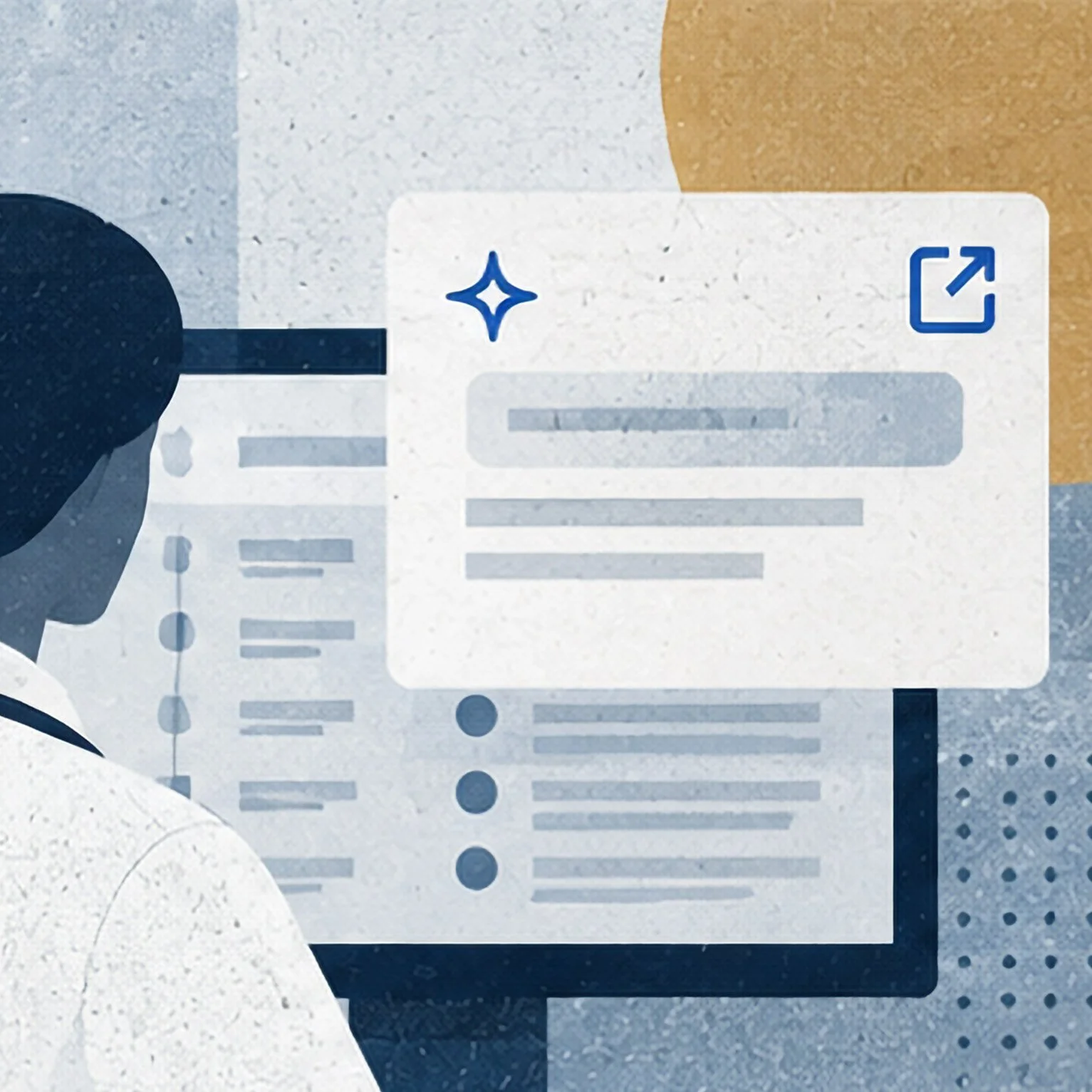
Learn how to open PaiGE in a separate window and revisit previous queries while working in the Clinician Portal.
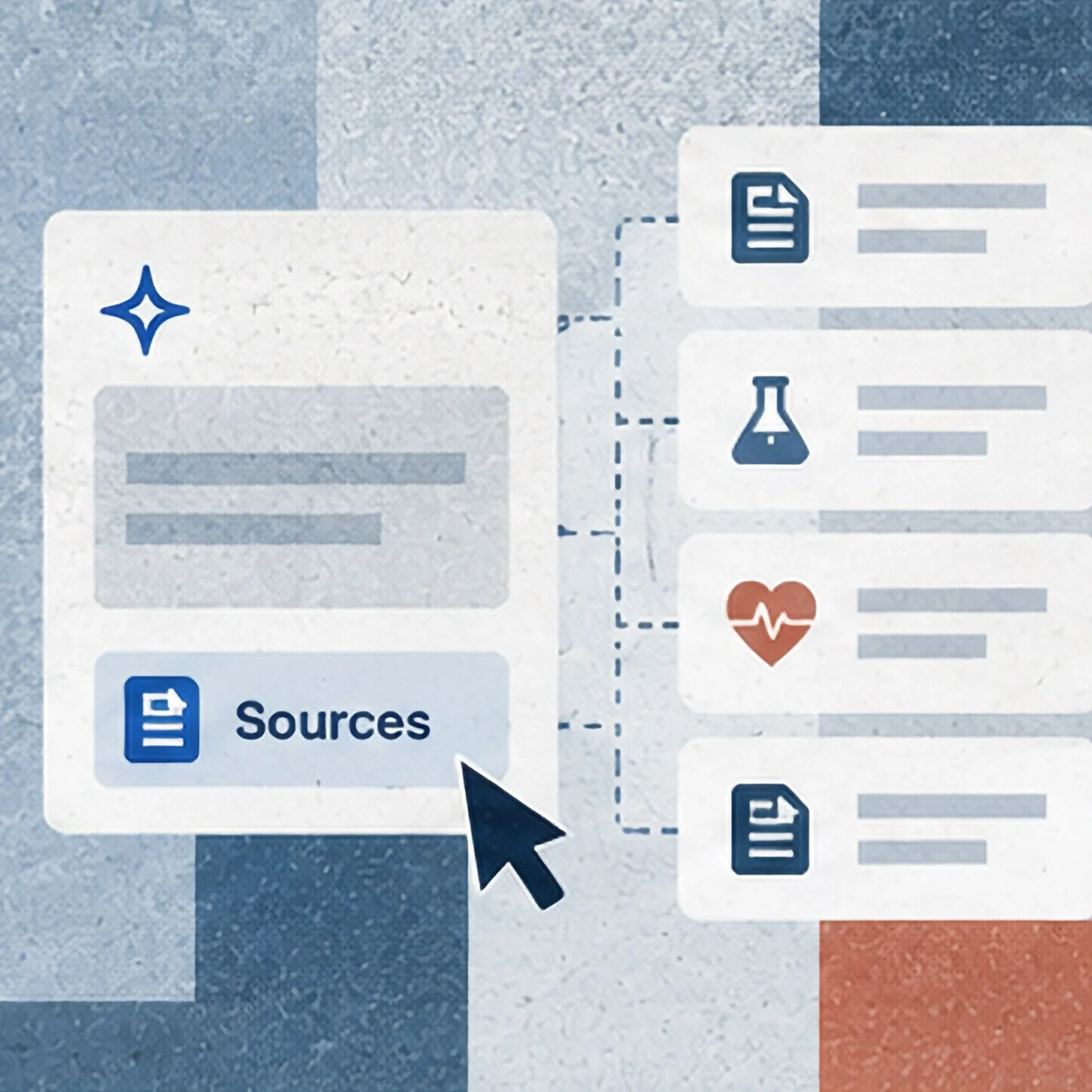
See how to follow PaiGE’s responses back to the underlying patient records and source information.
Learn how to report an issue and access support when you need help using HealthBook+.