Getting to Know You
To get started, please complete this short introductory survey. It helps us get to know you, your health goals, and your experience with digital health tools. Your responses are confidential and will guide us in creating a more personalized and effective experience for you.
Step 1: Connect Your Wearable, App or Health Device
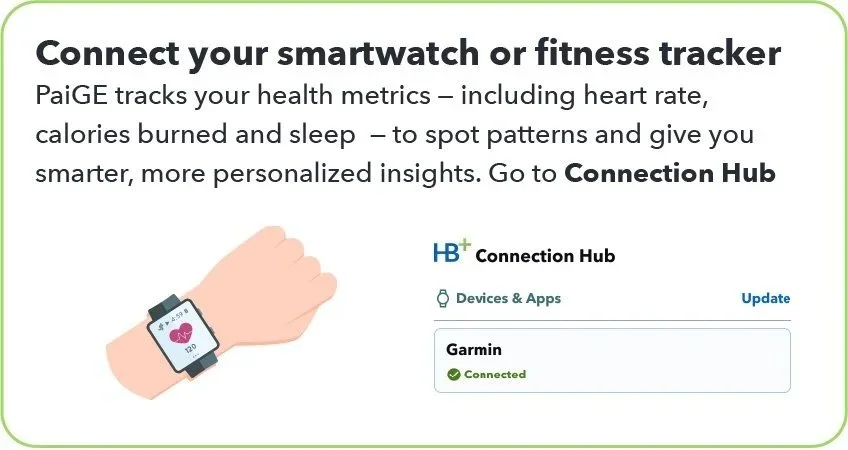
Let’s connect your wearable devices — like your Fitbit, Apple Watch, or Garmin — to HealthBook+. Once connected, the app will automatically pull in key health data such as heart rate, sleep patterns, activity levels, and certain blood measurements. This information is analyzed by PaiGE giving both you and me a clear view of your trends over time and helping spot potential issues early.
Open the HealthBook+ app.
Go to Menu > HB+ Connection Hub
Under Devices & Apps, tap on Connect.
Select your device (Fitbit, Apple Watch, Garmin, etc.) and you will be re-directed to a secure connection.
Enter your login credentials for the device/app
Once connected, HealthBook+ will begin importing your health metrics
Step 2: Your Daily Health Journey
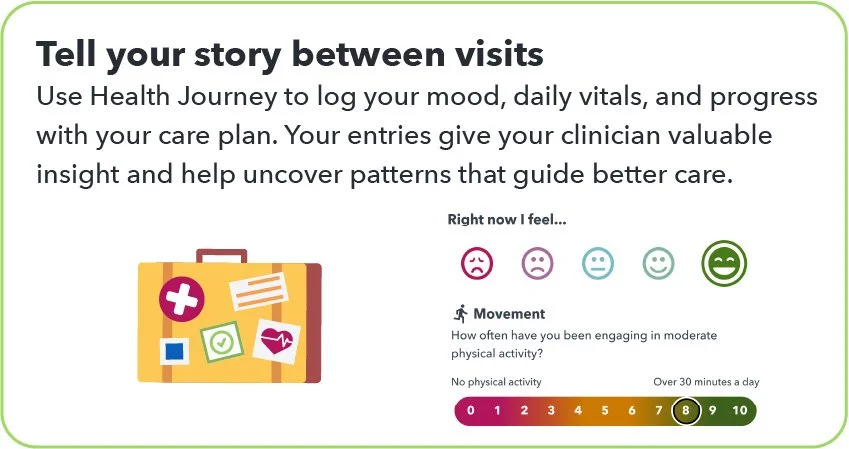
This next step is all about staying connected to your own health day to day. By noting your thoughts, using emoticons to capture how you’re feeling, and tracking key lifestyle vitals — like sleep, activity, nutrition, stress, mood, and energy —we’ll start to notice patterns that can guide healthier choices and give me a clearer picture to personalize and improve your care.
Go to Insights and look for the card that says “Today I feel”
Select the emoticon that best describes how you’re doing right now
Depending on your selection, choose one of the following options
Terrible: Let me write about this
Bad: I’ll describe it more in a journal entry
OK: I’ll note my thoughts
Good: Here’s why I’m smiling
Great: I’ll share my happiness
Select My thoughts. Write about the journal suggestions that PaiGE has summarized from your clinician.
Write a little each day — it helps PaiGE notice patterns and share an easy-to-read summary with me.
Tap Done
Now select My lifestyle vitals. This is a self-evaluation of the six pillars of lifestyle medicine.
Select a number from 1-10 for each
Tap on All done!
Step 3: How to Use PaiGE
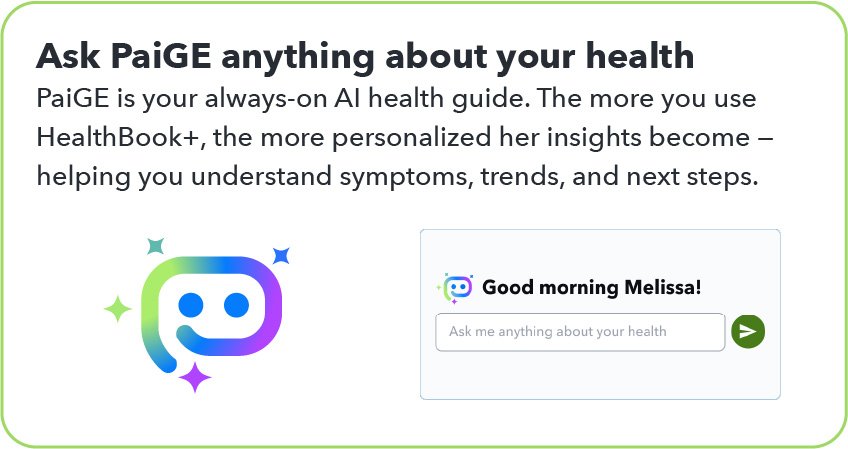
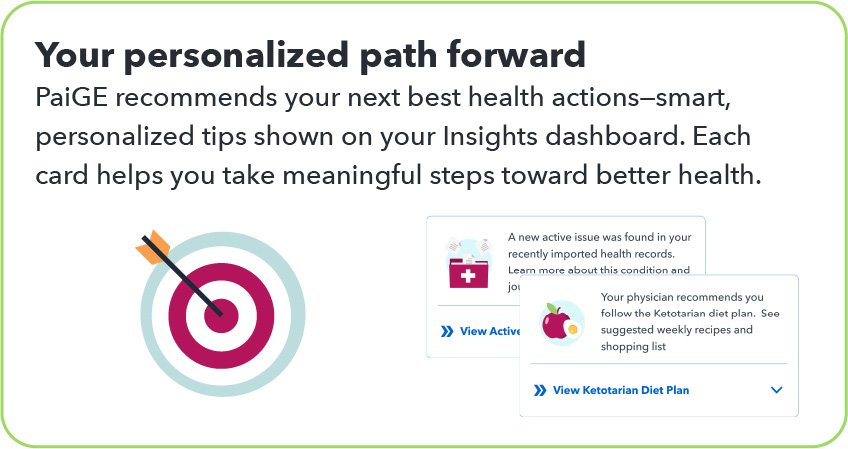
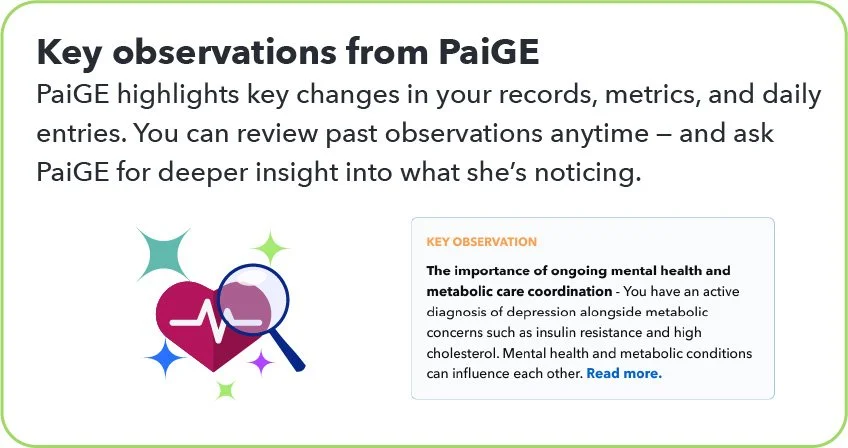
Now I want to introduce you to PaiGE — your personal health assistant within HealthBook+. PaiGE reviews your health records, wearable device data, and the notes you add to your Health Journey. She uses this information to give you smart, personalized guidance about your health. PaiGE also helps me by highlighting important trends and potential issues I might not otherwise see, so together we can make more informed decisions about your care.
On the Insights screen, you can type a question directly to PaiGE. You can also access PaiGE in the header or wherever you see the PaiGE icon.
Here are some suggestions to ask PaiGE. Since you are new to HealthBook+, PaiGE may be limited to how much she can answer.
“Given my history of [condition], what is my Next Best Health Action™ for this week?”
“Create a 7-day habit plan to [drink water / walk after dinner / take meds on time]. Keep it realistic.”
“I have a new symptom: [describe]. What self-care steps should I consider and what signs mean I should contact my clinician?” Note: You can also suggest journaling about a new symptom and PaiGE will suggest a lifestyle recommendation or learn more.
“Review my results from [date]. Explain in plain language and propose 1–2 actions to discuss with my clinician.”
“I’m traveling this week. How do I keep my routines (sleep, movement, meals) on track?”
“Draft a question list for my upcoming appointment about [topic].”
“Check my journal for the past 2 weeks—what patterns do you see and what small win can I aim for next?”
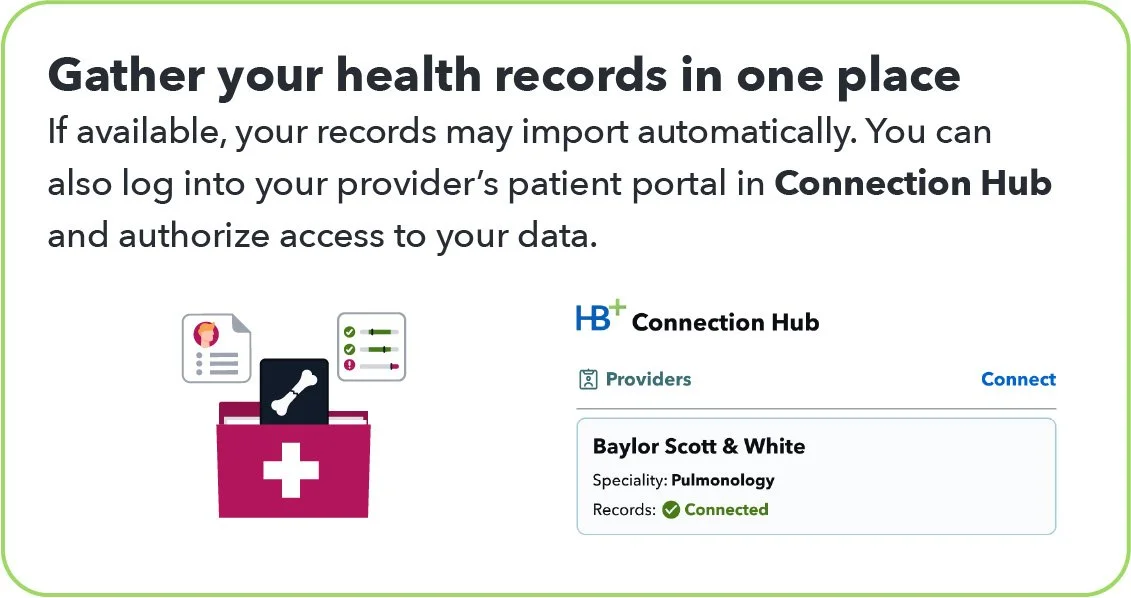
Next, go the bottom menu tray and select Records
If you see “Let’s get your records”, you’ll need to take one of the actions to add your health records
Once completed, you’ll see PaiGE’s review of your records along with a brief summary and active medical conditions, medications/supplements and data sources.
Expand the summary by tapping Read more…
At the bottom, PaiGE asks Have a question about this? Tap on this.
Here are some suggestions to ask PaiGE about your health records overview:
“What new health records were added over the past 3 months?”
“Can you explain my active medical conditions in simple terms?”
“Have there been any changes to my diagnoses or conditions?”
“Are there any potential interactions between my medications or supplements?”
“Have there been any recent test results I should know about?”
“What trends do you see in my lab results or vital signs?”
“Are there any gaps or missing information in my health records?”
“Is there anything in my records that seems important or unusual?”
“Can you help me prepare for my next doctor visit based on this data?”
“What should I focus on right now to improve my health?”
“Are there preventive actions or screenings I should schedule?”
Weekly Surveys
Each week, please complete a brief survey so we can track your progress
Wrapping Up Your Experience
Your Privacy and Security Matter
HealthBook+ uses advanced encryption and industry-leading safeguards to ensure your information remains private and secure. Only you and your clinician can access your shared data, and you may mark individual records as private at any time. HealthBook+ uses generative AI to deliver personalized lifestyle guidance while maintaining strict privacy controls and working only with vendors who meet HIPAA and industry security standards.